TLDR
RxRooster can turn your CRNA service terms into a draft you review before publishing. Describe the area, work and dates you can offer, set a minimum hourly rate or annual salary, and choose whether employers can see that number.
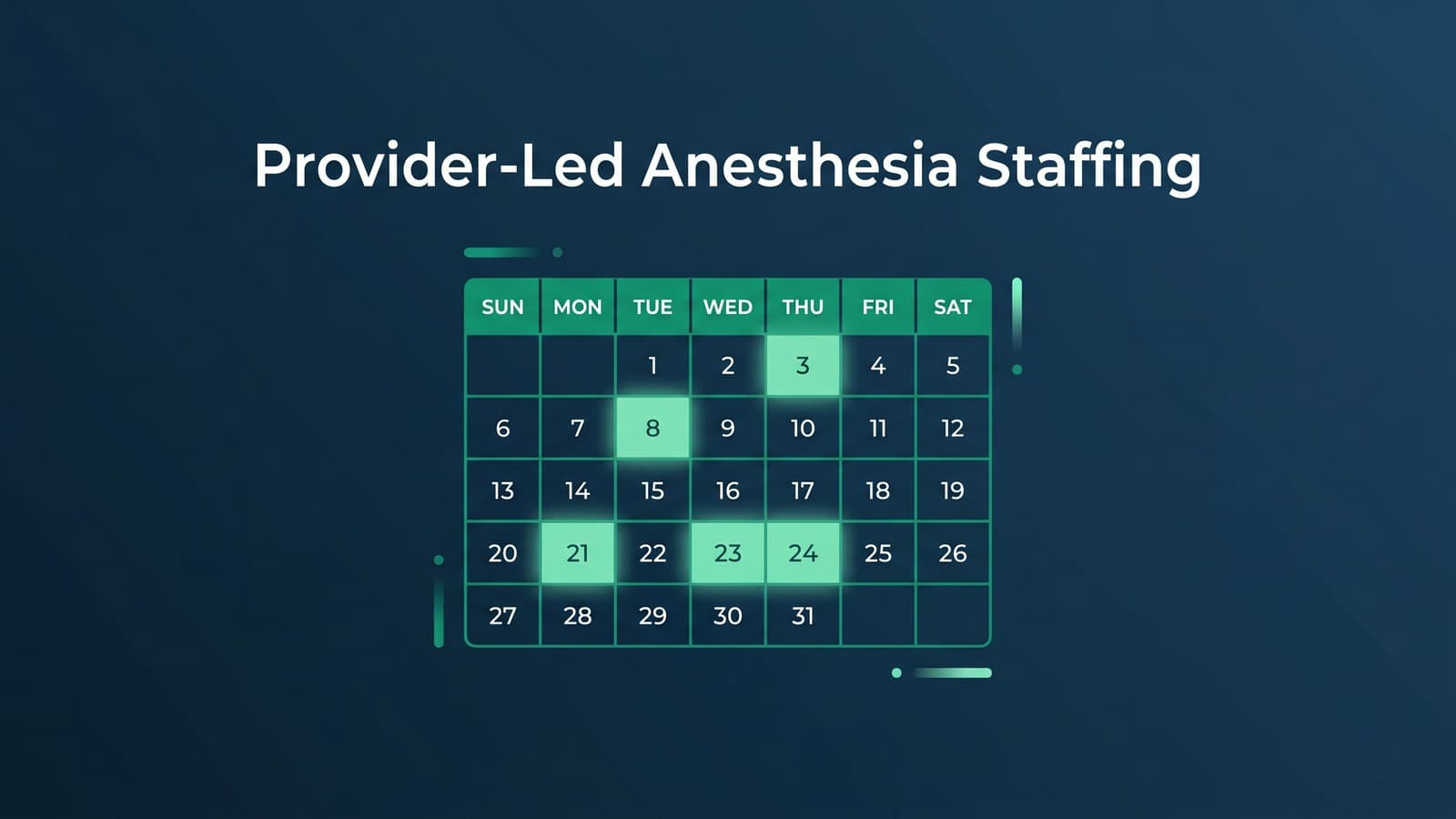
Take out your calendar and circle the Fridays you could work near Columbus, Ohio. Now try answering a colleague who texts, “Are you picking up extra shifts?” A plain “yes” leaves out a few things. You can cover a day shift. You want to be home that evening. And you have a number in mind that makes giving up a Friday worthwhile.
Those details are enough to start a CRNA service draft. A service is your description of work you’re willing to do. You can prepare one even if you haven’t found an opening you want. When an employer looks for coverage, a published service gives them something more specific to consider than “available for PRN.”
Start with the shift you would actually accept
Open RxRooster in your chat and ask to draft your own service. Use the words you’d use with the person putting together the schedule. Here’s one way the Columbus CRNA could answer that text and get the draft started.
Help me draft my CRNA service. I can pick up Friday PRN day shifts within 50 miles of Columbus, Ohio, starting January 8, 2027. I prefer eight-hour shifts and can’t take call. Ask me for my minimum hourly rate and keep it private for matching.
The location tells RxRooster where you can work. “PRN” describes the work you want. The Friday and eight-hour details tell a scheduler which openings are worth bringing to you. If you could also accept a 10-hour shift, say that. If your end time matters because someone else takes the car at five, check the proposed start and finish with the employer when you discuss a shift.
The guided draft asks one question at a time. You can give a city or metro, a start date and an end date if you have one. It can also capture which days or shifts work, the distance you’ll travel, and whether you want W-2, 1099 or either. If you’d genuinely consider either contract arrangement, leave yourself that option. You can skip optional preferences you haven’t decided yet.

Your minimum rate and who can see it are two decisions
For an occasional Friday, you probably have an hourly floor. Give the amount per hour. For a service offering permanent work, an annual salary floor may better describe the offer you’d consider. Pick the basis that fits the work. You don’t have to guess how many extra Fridays you’ll work this year just to express your minimum.
Then decide how to use that number. With a public minimum rate, an employer can read the amount on your service card. With a private minimum, RxRooster uses it for matching and keeps the amount off the public card. You can use the same pay floor in either case. The choice is whether someone browsing your service can see it.
There’s a good reason to settle that question before publication. A CRNA happy to tell an employer the floor up front may want it on the card. Another may want to hear about call, travel or the length of the assignment before discussing dollars. The private option lets that CRNA supply a real matching preference while leaving room for the conversation.
Read the draft as if you were the person filling Friday
When the terms are ready, follow the review link from the chat and sign in or register on RxRooster. On the review screen, check the city and radius, first available date, shift and call language, and minimum rate. If you already have services, pay particular attention to the rate-visibility setting. RxRooster uses the public or private choice across your service cards.
Ask yourself what someone reading the card could reasonably conclude. If it implies every Friday and you can only work a few dates, correct the availability before publishing. A service describes work you’d consider. The specific date, site and assignment still need agreement between you and the employer.

You decide when to publish on RxRooster. Until then you can work out the wording with your calendar open. Start with one shift you know you’d say yes to. Open the RxRooster chat setup to draft your terms.